Most home working advice starts with furniture, which is the most expensive part and rarely the thing making the day worse. The items that genuinely change how eight hours feel are cheaper and less discussed.
Screen height, which almost everyone gets wrong
A laptop on a desk puts the screen roughly a foot below where your eyes want it, so you look down all day. That is the single most common cause of neck and shoulder discomfort in home setups.
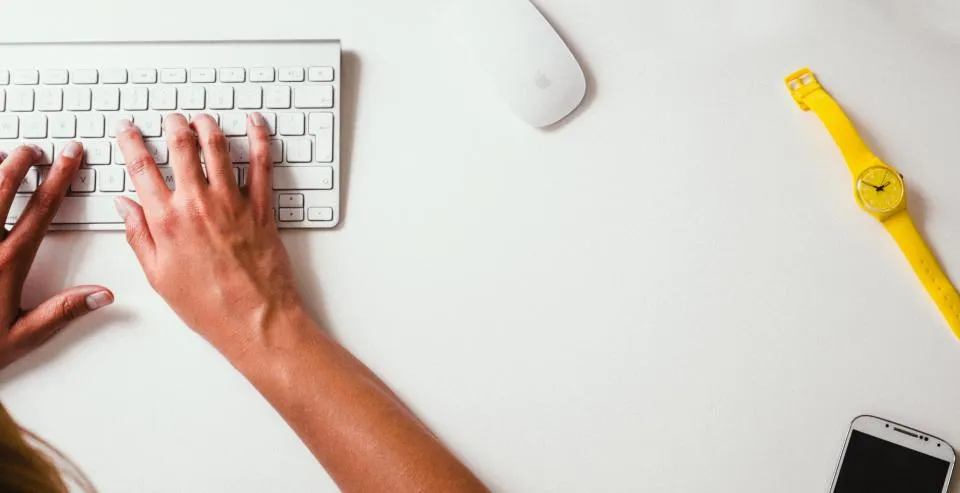
The change costs almost nothing: raise the laptop until the top of the screen is at about eye level, and use a separate keyboard and mouse. A stand, a shelf, or a stack of books all work identically.
You cannot solve this without the external keyboard — raising the screen alone puts the keyboard at shoulder height, which is worse. The pair together is the whole intervention.
The HSE’s guidance on display screen equipment covers the full checklist, and it is short.
The chair matters, but not the way it is sold
An expensive chair is not required. A chair that lets your feet reach the floor and supports your lower back is.
If your feet dangle, use a box as a footrest. If the back is unsupportive, a rolled towel behind the lower back does most of what lumbar support does. Both are free, and both do more than a chair upgrade that leaves the screen at the wrong height.
The more important variable is that you get out of the chair. Long unbroken sitting is the problem rather than the specific chair, which is why a timer or a habit of standing for calls is worth more than furniture.
Light, which is invisible until you fix it
Two things go wrong.
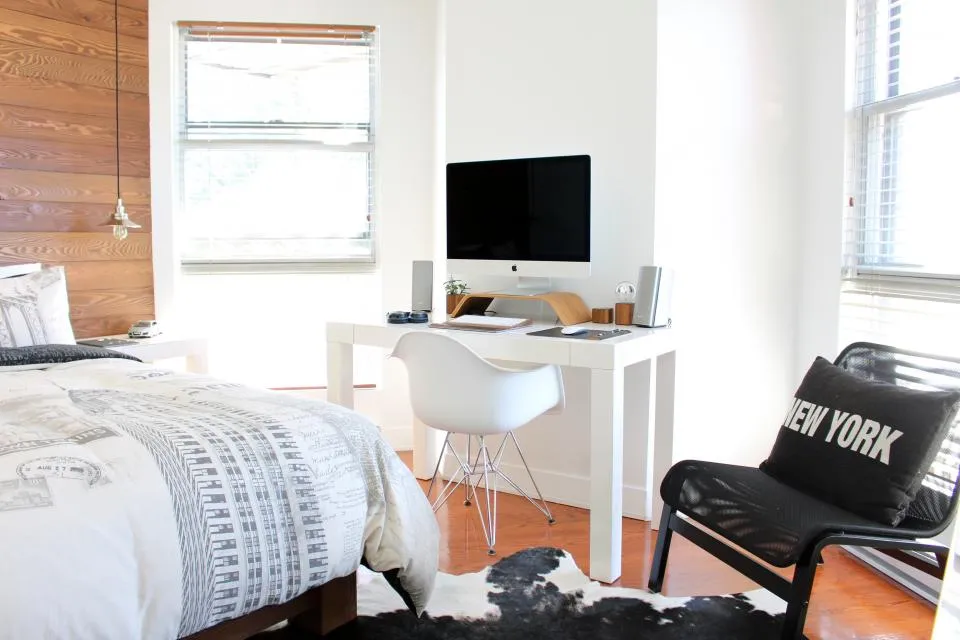
A window behind the screen puts you in silhouette on video calls and forces your eyes to work against a bright background all day. Turn the desk ninety degrees so the window is to the side.
Working in the dark with only a bright screen is fatiguing. A lamp that lights the room rather than the screen fixes it, and matters most in winter afternoons.
Sound, for you and for everyone else
A cheap headset with a boom microphone will make you clearer on calls than an expensive laptop. Your laptop microphone sits next to a fan and points at the ceiling.
For your own concentration, the thing that helps is not silence but consistency — a fan, a closed door, anything that flattens the sudden noises. Sudden is what interrupts, not loud.
The boundary is part of the setup
Working where you relax is the thing that erodes most slowly and matters most.
If you have a room with a door, the door is the most valuable feature of the setup. If you do not, a substitute helps more than it sounds: pack the laptop away at the end of the day, or use a corner that becomes a desk and then stops being one.
Something that marks the end of the day also matters — a walk, a change of clothes, anything that replaces the commute as a signal. Without it, work bleeds into the evening in a way that is hard to notice until it has been happening for months.
The internet connection, which is a work tool now
Video calls fail differently from web browsing, and the difference catches people out. Browsing needs download capacity; calls need steady upload and low latency, and upload is far smaller than download on most home connections.
So a call can break up while a large file downloads perfectly. Paying for a faster package usually raises the download number and changes nothing about the call.
Two things that do help: connecting the working machine by ethernet cable rather than Wi-Fi, which removes the most variable link in the chain, and not sharing the connection with a large upload while you are talking. We covered the coverage side of this in why your Wi-Fi is bad in one room.
What is worth spending on, in order
- A separate keyboard and mouse, so the screen can go up. Under £40 and the largest single gain.
- Something to raise the laptop. A stand, or books.
- A headset with a boom mic. Everyone you speak to benefits.
- A lamp if the room is dim.
- A second screen, if your work involves comparing two things. Genuinely useful, but far behind the first four.
- The chair, last. By this point you know whether the current one is actually the problem.
What employers owe
In many places this is not entirely your expense. Employers frequently have obligations regarding display screen equipment for people working from home, including assessments and, in some cases, equipment.
Acas covers the UK employment side, and it is worth asking before buying anything from item 5 upward — many people buy equipment their employer would have provided on request.
More in Work & Productivity, including notifications worth turning off.